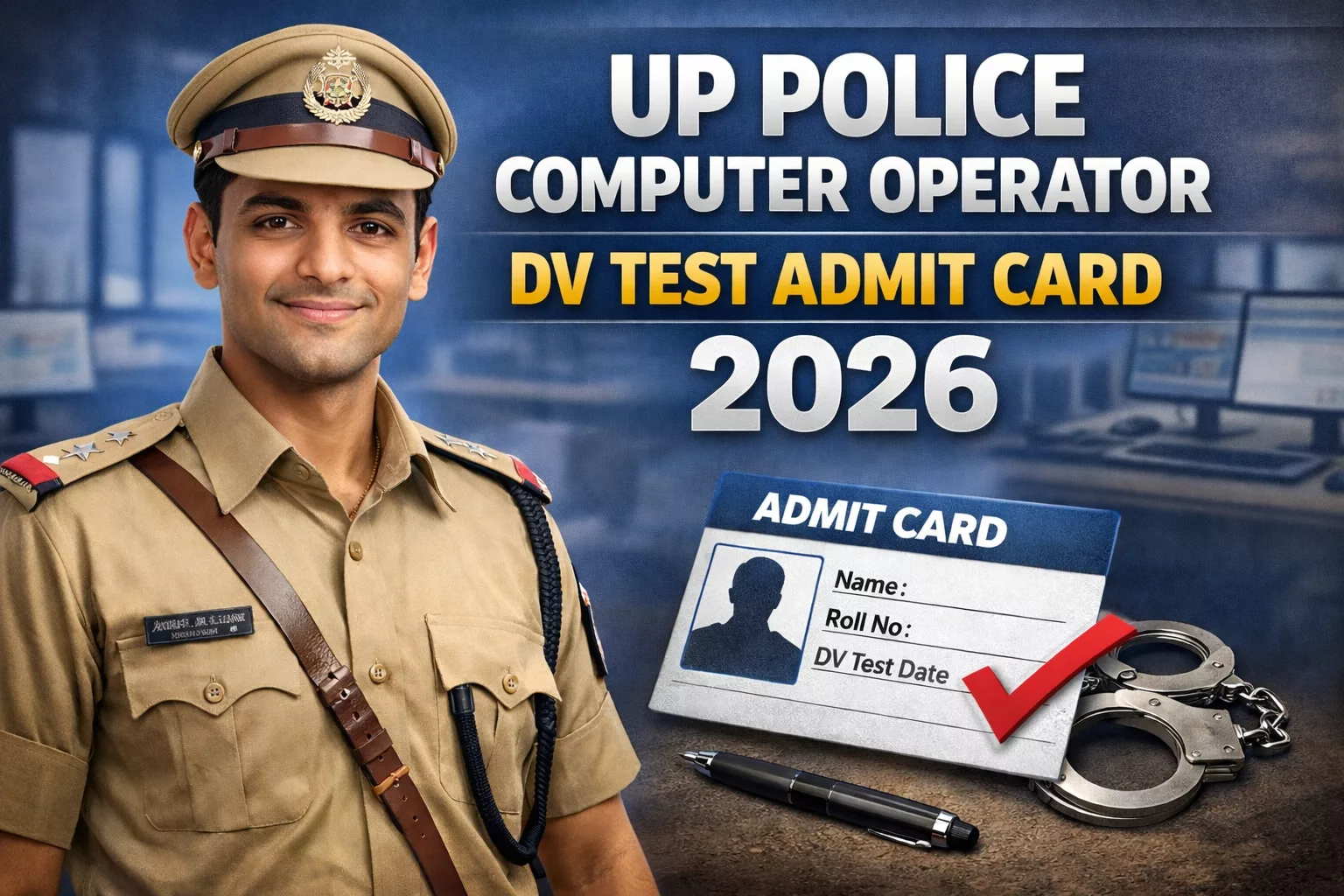
UP Police Computer Operator DV Test Admit Card 2026 – Download Here
Contents
The UP Police Computer Operator DV Test Admit Card 2026 has been officially released by the Uttar Pradesh Police Recruitment and Promotion Board (UPPRPB) on 21 January 2026. Candidates who have qualified in the previous stages for the Computer Operator Grade-A recruitment can now download their admit card. The Document Verification (DV) process is scheduled for 29-30 January 2026 across designated centers in Uttar Pradesh. This call letter is mandatory for appearing in the DV process.
Key Details & Quick Information
- Conducting Authority: Uttar Pradesh Police Recruitment and Promotion Board (UPPRPB)
- Admit Card Release Date: 21 January 2026 (Released)
- Document Verification Date: 29-30 January 2026
- Official Website: uppbpb.gov.in
- Advertisement No.: PRPB-29/2023 (or similar)
Download Admit Card Here
Use the direct link below to access the login portal and download your DV admit card immediately.
How to Download UP Police Computer Operator DV Test Admit Card 2026?
- Visit the official UPPRPB website: uppbpb.gov.in or use the direct link above.
- Navigate to the “Notice” or “Admit Card” section on the homepage.
- Click on the link for “कम्प्यूटर आपरेटर ग्रेड-ए के पदों पर सीधी भर्ती-2023 अभिलेखों की संवीक्षा (डीवी) हेतु प्रवेश पत्र” (Computer Operator Grade-A DV Admit Card).
- Enter your required credentials:
- Registration/Application Number
- Date of Birth (DD/MM/YYYY format)
- Captcha Code
- Click on the “Submit” or “Download Admit Card” button.
- Your admit card will appear on the screen.
- Download and save the PDF file, then take 2-3 printouts for the DV day.
Important: Check all details immediately after download. Report any discrepancies to the UPPRPB helpdesk within 24 hours.
Documents to Carry on DV Day
Candidates must carry the following original documents (along with photocopies):
- UP Police Computer Operator DV Test Admit Card 2026 (printed copy)
- Valid Photo ID Proof (Aadhaar Card, Voter ID, Driving License, PAN Card, or Passport)
- Recent passport-size photographs (2-4 copies)
- All Educational Certificates (10th, 12th, Diploma/O Level, etc.)
- Caste/Category Certificate (if applicable)
- Domicile Certificate
- Other required documents as per notification (e.g., typing certificate)
Important Instructions
- Reporting Time: Reach the DV center 45-60 minutes before the reporting time mentioned on the admit card. Late entry is not allowed.
- Not Allowed: Mobile phones, electronic devices, bags, and unnecessary items are strictly prohibited.
- Verification: Ensure all details on the admit card are correct before the DV day.
- Dress Code: No specific dress code is mentioned in the source; candidates are advised to dress formally and avoid items that may obstruct identity verification.
Frequently Asked Questions (FAQs)
If your photo is missing or incorrect on the admit card, contact the UPPRPB helpdesk immediately (Helpline: 08064526226 or email provided on the official website) at least 2 days before the DV date. Carry valid ID proof for verification.
No. You must carry a printed copy of the admit card. Digital copies on mobile phones or other electronic devices are generally not accepted, and electronic gadgets are prohibited inside the DV center.
If facing issues, try clearing your browser cache and cookies or using a different browser. If the problem persists, check your application status and contact the UPPRPB helpdesk immediately for assistance.
No. The admit card is mandatory but not sufficient alone. You must also carry original valid photo ID proof and all other required documents mentioned in the instructions.
If you have forgotten your registration number, check your email or SMS sent during the application process. You can also try using the “Forgot Registration Number” option on the login portal if available, or contact the helpdesk.