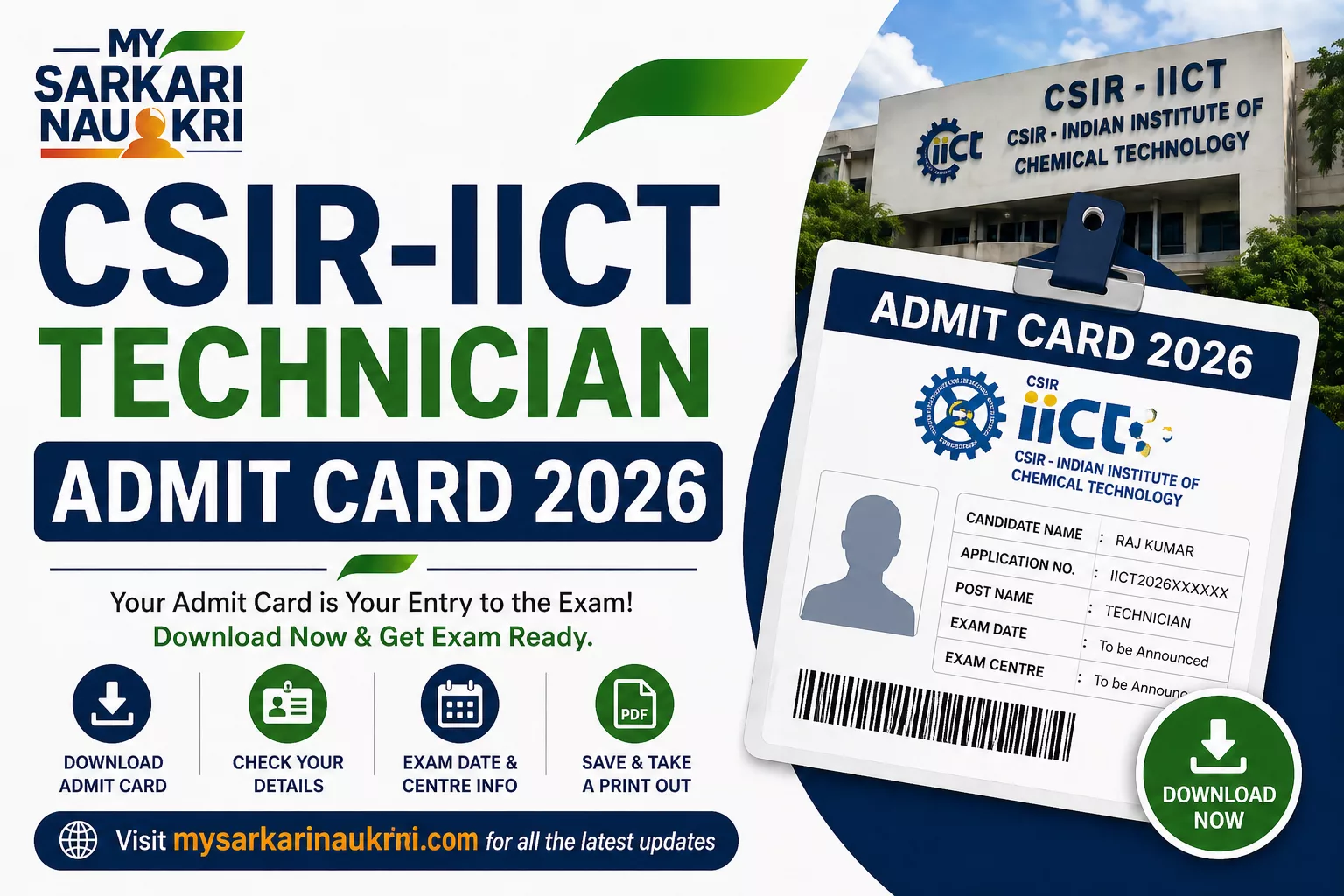
CSIR-IICT Technician Admit Card 2026 (Out) – Download Here
Contents
CSIR-IICT Technician Admit Card 2026 has been released by the CSIR-Indian Institute of Chemical Technology (CSIR-IICT), Hyderabad. Candidates who applied for the Technician (1) posts under Advertisement No. 05/2025 can now download their admit card / hall ticket from the official website www.iict.res.in. This hall ticket is mandatory for appearing in the selection process.
Key Details
- Conducting Body: CSIR-Indian Institute of Chemical Technology (CSIR-IICT), Hyderabad
- Exam Name: Technician (1) Trade Test & Competitive Written Examination 2026
- Admit Card Release Date: Available Now
- Trade Test / Exam Date: May 2026 onwards (Tentative)
- Official Website: www.iict.res.in
How to Download CSIR-IICT Technician Admit Card 2026
Follow these steps to download your admit card:
- Visit the official website www.iict.res.in and go to the CAREERS section.
- Navigate to the “Recruitment for Technician(1) Positions” or “Latest Notices” section.
- Click on the “Download Admit Card” or “Technician Admit Card 2026” link.
- Enter your Application / Registration Number, Date of Birth, and Captcha Code (if required).
- Click on “Submit” or “Download Hall Ticket”.
- Your admit card will appear on screen. Download and save the PDF.
- Take 2-3 printouts for the exam.
Direct Download Link: Download Admit Card Now
Documents to Carry
- Printed copy of CSIR-IICT Technician Admit Card 2026.
- Valid Photo ID Proof (Aadhaar Card, Voter ID, Driving License, PAN Card, Passport).
- Recent passport-size photographs (2 copies).
Important Instructions
- Verify all details on the admit card immediately. Report errors to the institute promptly.
- Reach the exam center 45-60 minutes early. No entry after gate closing time.
- Not allowed: Mobile phones, smartwatches, electronic devices, books, notes, or bags.
- Follow all instructions given by invigilators.
FAQs
If the photo is missing or unclear, contact CSIR-IICT helpdesk immediately before the exam.
No, a printed copy of the admit card is mandatory. Digital versions are not accepted.
Clear browser cache, try a different browser, check your application status on the portal, or contact the helpdesk.
The source does not mention a dress code. Follow general exam guidelines and avoid prohibited items.
The result date is to be announced. Check the official website regularly for updates.