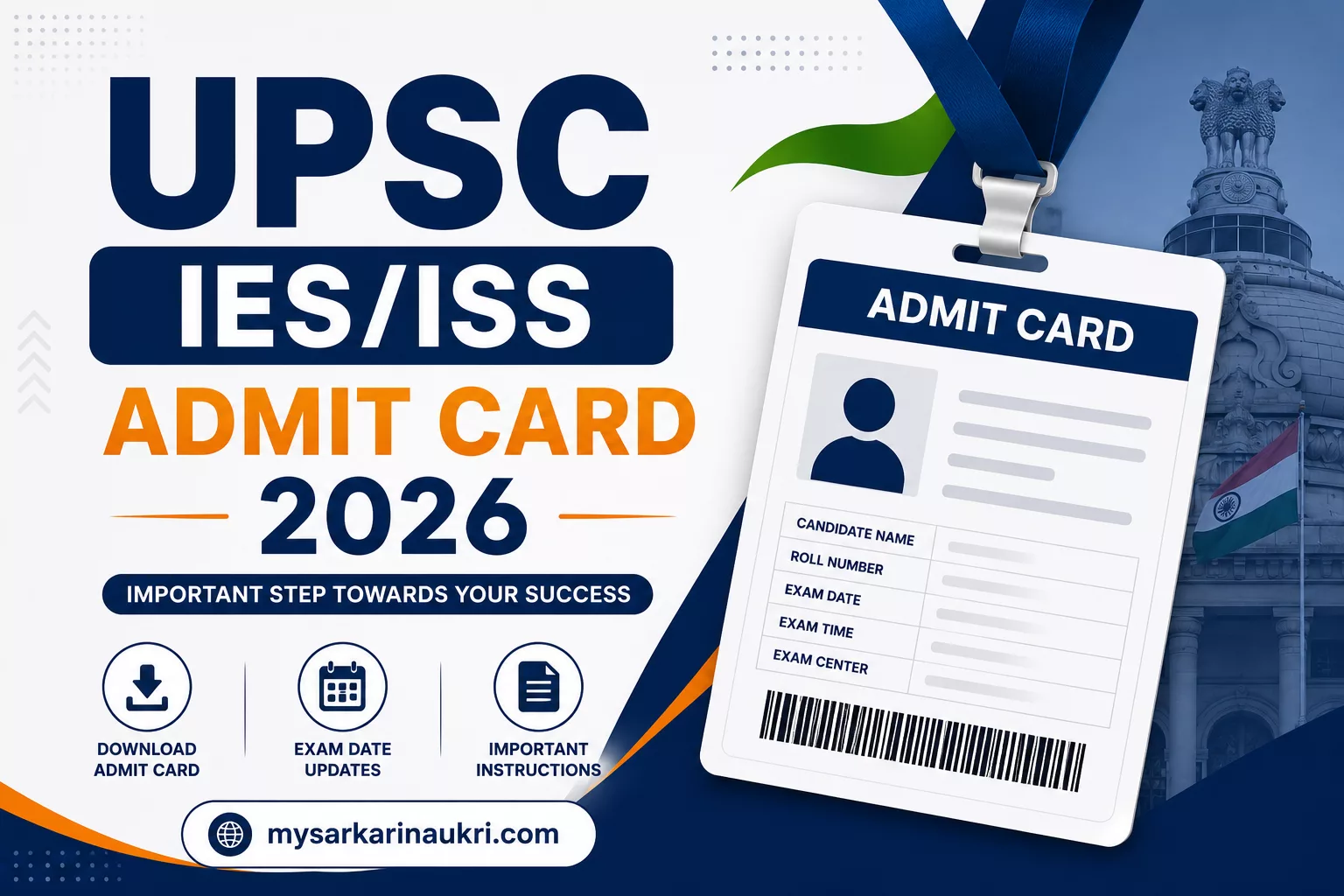
UPSC IES/ISS Admit Card 2026 Out – Download Hall Ticket for Exam on 19 – 21 June
The Union Public Service Commission (UPSC) has officially released the Admit Card for the IES/ISS Examination 2026. Candidates who applied for the Indian Economic Service (IES) and Indian Statistical Service (ISS) can now download their hall tickets from the official UPSC portal at upsconline.nic.in. The examination is scheduled to be held from 19 June to 21 June 2026.
Key Details
- Conducting Authority: Union Public Service Commission (UPSC)
- Exam Name: IES/ISS Examination 2026
- Admit Card Release Date: 12 June 2026 (Active Now)
- Exam Date: 19 June – 21 June 2026
- Exam Mode: Offline (Pen and Paper)
- Official Website: upsc.gov.in
How to Download Admit Card
Follow these steps to download your hall ticket:
- Visit the official UPSC online portal: upsconline.nic.in
- Click on the Admit Card or e-Admit Card link.
- Select IES/ISS Examination 2026.
- Enter your Registration/Enrollment Number and Date of Birth.
- Click Submit to view your admit card.
- Verify all details and download/print the hall ticket.
Direct Download Link: Download Here
Documents to Carry
- Printed copy of the admit card
- Original photo ID proof (Aadhaar, Voter ID, Passport, etc.)
- Passport-sized photograph (as per specifications)
Important Instructions
- Check all details on the admit card; report discrepancies to UPSC immediately.
- Carry a valid photo ID proof along with the admit card.
- Follow the dress code and COVID-19 guidelines if applicable.
- Reach the exam center at least 30 minutes before the reporting time.
FAQs
If the photo is missing or unclear, contact UPSC helpdesk immediately via the official website.
No, only a printed copy of the admit card is accepted at the exam center.
Use the ‘Forgot Registration Number’ option on the UPSC portal to recover it using your date of birth and other details.
No, the admit card is final. However, you can report errors to UPSC for rectification.
The reporting time is mentioned on your admit card. Arrive at least 30 minutes before the scheduled time.