CTET Exam City Intimation Slip 2026 – Download Link Here & Admit Card
Contents
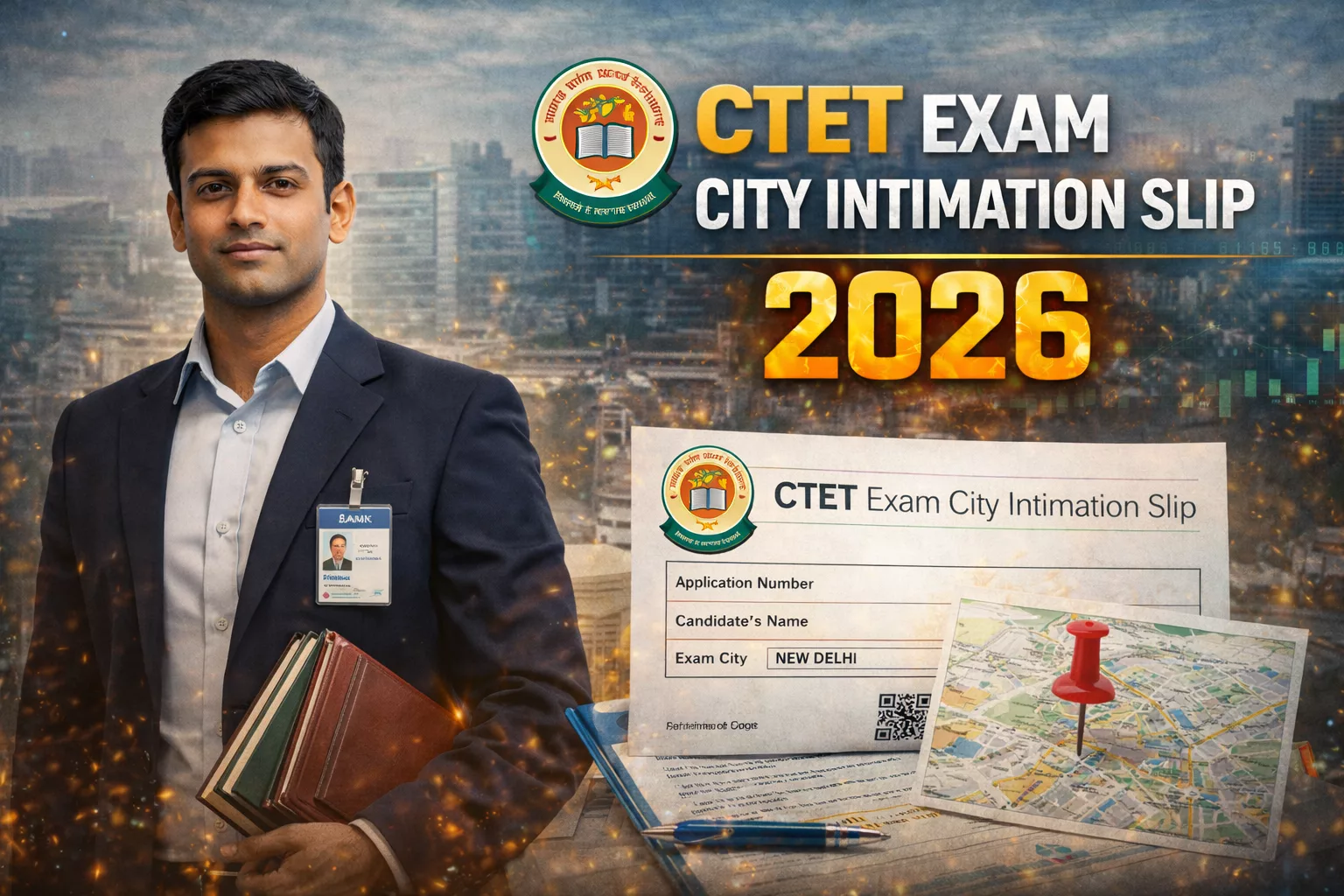
The Central Board of Secondary Education (CBSE) is expected to release the CTET Exam City Intimation Slip 2026 soon, likely in the last week of January 2026 or early February. Candidates appearing for the CTET February 2026 exam (scheduled on 8 February 2026) can download their city slip from the official website ctet.nic.in once the link is activated.
The city intimation slip serves as an advance notice of the allotted exam city to help candidates plan their travel and accommodation. It is important to note that this is not the admit card; the official admit card will be released separately in February 2026.
Click Here to Download CTET City Intimation Slip 2026 (Link Active Soon)
Key Details: CTET February 2026
- Conducting Authority: Central Board of Secondary Education (CBSE)
- Exam Name: Central Teacher Eligibility Test (CTET) February 2026
- Exam Date: 8 February 2026 (Sunday)
- City Slip Status: Expected Soon (Last week of January 2026 / Early February)
- Admit Card Release: February 2026 (A few days before the exam)
- Official Website: ctet.nic.in
How to Download CTET City Intimation Slip 2026
- Visit the official website: ctet.nic.in.
- Click on the link for “CTET February 2026 Exam City Intimation Slip” or “Download City Allotment”.
- Enter your Application Number and Password or Date of Birth.
- Enter the Captcha/Security Code displayed on the screen.
- Click on the “Submit” or “Login” button.
- Verify your allotted exam city and other details.
- Download and save the PDF for future reference and travel planning.
Documents to Carry
While the city intimation slip helps with planning, you do not need to print it for entry into the exam hall. However, you must carry the following to the examination center:
- Printed Copy of Admit Card: (To be released in February 2026).
- Photo ID Proof: Original and photocopy (Aadhar Card, Driving License, Voter ID, Passport, etc.).
- Passport Size Photograph: One recent photograph (same as the one uploaded in the application form).
Important Instructions
- City Allotment: CBSE attempts to allot an exam center in one of the preferred cities, but reserves the right to allot a center in any other city in India. No changes to the allotted city are permitted.
- Admit Card is Mandatory: The city intimation slip is only for information. You cannot enter the exam hall without the admit card. Wait for the admit card release in February 2026.
- Photograph: Ensure you carry a valid photo ID and a recent photograph as per specifications. The admit card usually contains a pre-printed photo, but carrying an extra one is recommended.
- Reporting Time: Candidates must report to the exam center at least 60-90 minutes before the commencement of the exam to complete verification processes.
FAQs: CTET City Intimation Slip 2026
The City Intimation Slip provides advance information about the allotted exam city to help you plan travel. The Admit Card is the mandatory document containing your roll number, exact exam center address, and exam shift details, required to enter the exam hall.
While the city intimation slip can be viewed digitally, the final Admit Card typically requires a physical printout for entry into the exam center. Electronic devices are generally not allowed inside the exam hall. Always check the instructions printed on your Admit Card.
Candidates should download the Admit Card as soon as it is released to check for discrepancies. If the photo is missing or incorrect, carry a valid photo ID proof and a recent passport-sized photograph to the exam center. Report the issue to the invigilator.
The exact exam center address, reporting time, and shift timing (Paper I or Paper II) will be available only on the Admit Card, which is expected to be released in February 2026, a few days before the exam.
If you face issues logging in, verify your application number and password/DOB. Ensure CAPS LOCK is off. If the problem persists, try clearing your browser cache or using a different browser. If the issue continues, wait and try during off-peak hours or contact the CBSE helpdesk via the official website once the link is active.