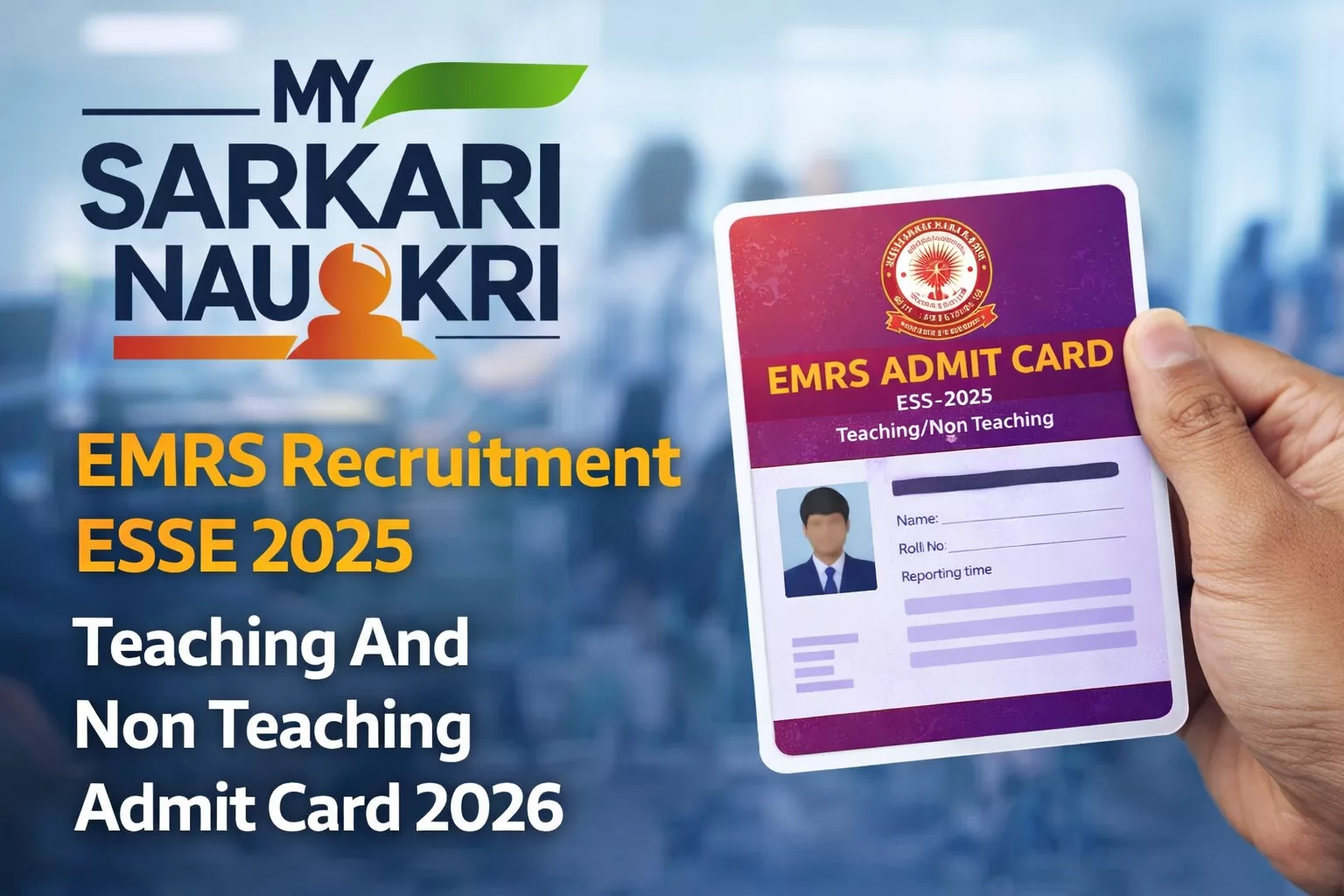
EMRS Recruitment ESSE 2025 Teaching And Non Teaching Admit Card 2026 Out – Download Here
Contents
EMRS Teaching and Non-Teaching Admit Card 2026 (Tier-II) has been released by the National Education Society for Tribal Students (NESTS) on 19 March 2026. Candidates who qualified in Tier-I for the Eklavya Model Residential Schools (EMRS) recruitment can download their admit card from the official website nests.tribal.gov.in. The Tier-II examination is scheduled from 22 March 2026 to 25 March 2026 across various centers. This hall ticket is mandatory for appearing in the exam.
Key Details
- Admit Card Release Date: 19 March 2026
- Exam Date: 22-25 March 2026
- Conducting Authority: National Education Society for Tribal Students (NESTS)
- Official Website: nests.tribal.gov.in
- Total Vacancies: 7267 Posts
- Advertisement No.: NESTS/Adv/2025/01
How to Download Admit Card
Follow these steps to download your EMRS Teaching and Non-Teaching Admit Card 2026:
- Visit the official NESTS website at nests.tribal.gov.in or use the direct download link below.
- Navigate to the “Recruitment” or “Latest Announcements” section on the homepage.
- Click on “Notice regarding Admit Card -Tier-II Exam” or the related link.
- Access the login portal and enter your credentials: Registration Number (starting with 2599) and Password.
- Click on “Login” or “Download Admit Card” button.
- Your EMRS Tier-II Admit Card 2026 will appear on screen.
- Download and save the PDF file on your device.
- Take 2-3 printouts for exam day.
Direct Download Link: Download Admit Card Now
Documents to Carry
- EMRS Admit Card 2026 (printed copy with clear photograph)
- Valid Photo ID Proof (any one: Aadhaar Card, Voter ID Card, Driving License, PAN Card, Passport)
- Recent passport-size photographs (2 copies – same as uploaded in application)
- Simple pen (blue/black ballpoint)
Important Instructions
- Download admit card as soon as available (3 days before your exam date).
- Reach exam center 45-60 minutes before reporting time; entry closes 30 minutes before exam starts.
- Carry water and light snacks for outside exam hall; keep calm and focused.
- During exam, follow invigilator instructions carefully and manage time wisely.
- Not allowed: Mobile phones, smartwatches, calculators, books, bags, or electronic devices.
Frequently Asked Questions (FAQs)
If the photo is missing or unclear, contact NESTS helpdesk immediately at least 2 days before the exam. Provide your registration details for correction.
No, you must carry a printed copy of the admit card. Digital versions on phones are not accepted inside the exam hall.
Try clearing browser cache, using a different browser, or verifying your credentials. If issues persist, contact NESTS helpdesk immediately.
The source does not specify a dress code. Check your admit card for any instructions and wear comfortable, simple clothing without prohibited items.
Retrieve your registration number from your application confirmation email or contact NESTS helpdesk with your personal details for assistance.