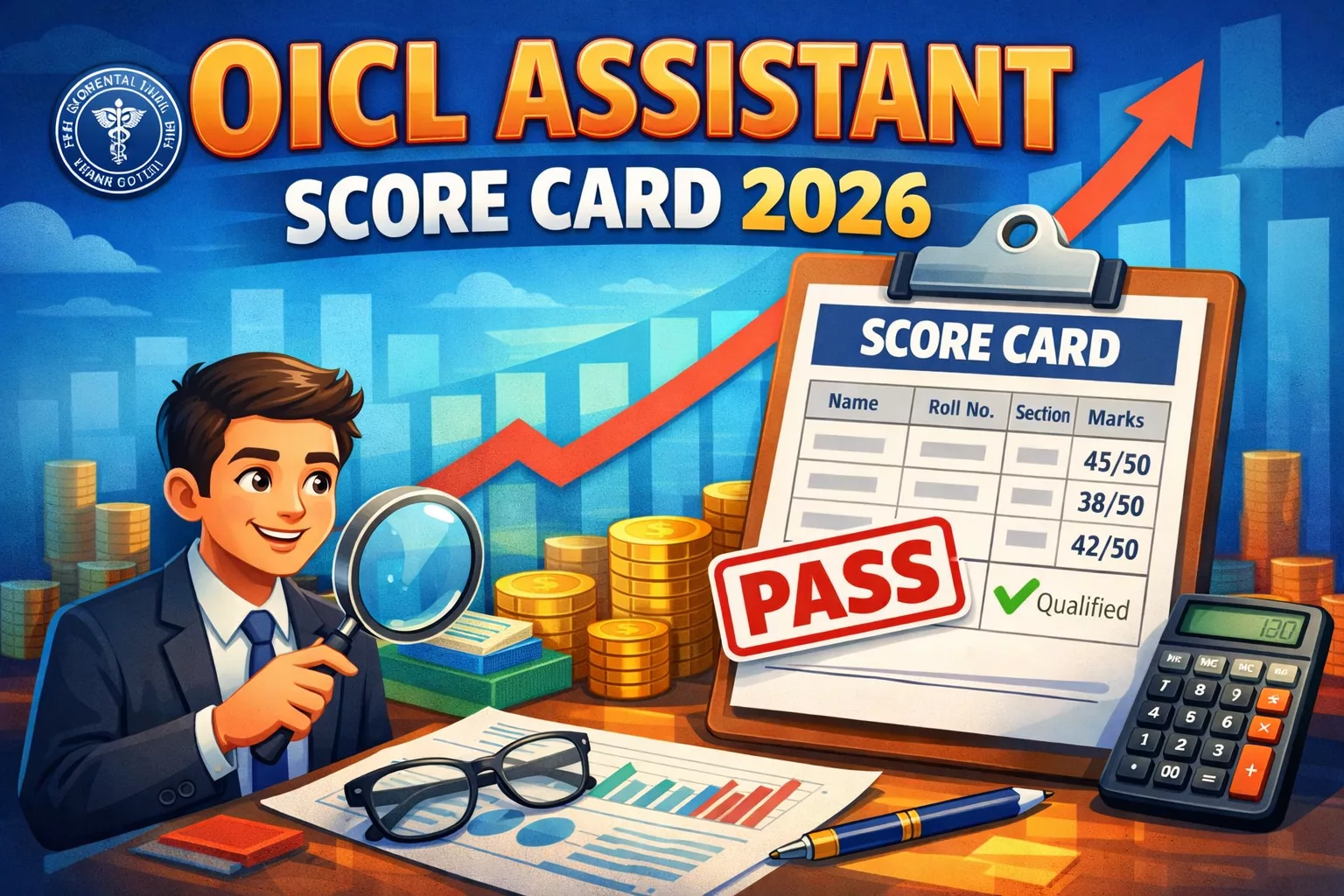
OICL Assistant Score Card 2026 OUT – Download Scorecard @orientalinsurance.org.in Result
Contents
Quick Summary: Oriental Insurance Company Limited (OICL) has released OICL Assistant Score Card 2026 on 28 January 2026 at the official portal orientalinsurance.org.in. Candidates can download their scorecard using Registration Number & Password/DOB. Check section-wise marks, overall score, qualifying status, and next process below.
Candidates who appeared in the Prelims and Mains exams can now check their marks online, whether qualified or not. This page provides complete information about the OICL Assistant Score Card 2026 including direct download links, what the scorecard contains, and step-by-step instructions to check your scores.
OICL Assistant 2026 – Key Details
- Recruiting Body: Oriental Insurance Company Limited (OICL)
- Post Name: Assistant (Class III)
- Result Type: Prelims & Mains Scorecard
- Scorecard Declaration Date: 28 January 2026
- Exam Conducted On: Prelims: 7 September 2025 | Mains: 28 October 2025
- Selection Stages: Prelims → Mains → Regional Language Test
Download OICL Assistant Score Card 2026
Oriental Insurance Company Limited has activated the direct link to download the scorecard. Candidates must log in with their credentials to access their marks.
Download OICL Assistant Score Card 2026
Note: This is the direct official link. Login is required with your Registration Number/Roll Number and Password/Date of Birth.
How to Check OICL Assistant Score Card 2026?
Candidates can follow these steps to download their scorecard:
- Visit the official website orientalinsurance.org.in.
- Go to the “Careers” or “Recruitment” section on the homepage.
- Look for the link titled “OICL Assistant Score Card 2026” (Prelims & Mains).
- Click on the link and enter your Registration Number/Roll Number and Password/Date of Birth.
- Submit the details to view your scorecard.
- Check section-wise marks, total score, and qualifying status.
- Download and save the PDF for future reference.
What’s Next? Regional Language Test
According to the selection process, candidates who qualify in the Mains exam must appear for the Regional Language Test. This is the final stage of the selection process.
- Status: Call letters for the Regional Language Test are awaited.
- Action Required: Keep checking the official website for updates regarding the RLT schedule and admit card release.
- Document Verification: Ensure all your documents are ready for verification as required by OICL.
Information Mentioned on Scorecard
Your scorecard will contain the following details:
- Candidate Name (as per application form)
- Roll Number / Registration Number
- Exam Stage (Prelims / Mains)
- Section-Wise Marks
- Total Marks Obtained
- Qualifying Status (Qualified/Not Qualified)
- Category-wise Cut-off Marks
Important Instructions
- Download and save your scorecard immediately.
- Take multiple printouts for your records.
- Verify all details on the scorecard; report discrepancies to OICL promptly.
- The scorecard is expected to be available until 28 February 2026.
- Use correct login credentials to avoid login issues.
FAQs on OICL Assistant Score Card 2026
The scorecard was officially released on 28 January 2026.
Ans: You can download it from the official website orientalinsurance.org.in or use the direct link provided above. You will need your Registration Number/Roll Number and Password/Date of Birth.
Ans: Based on the official information, there is no mention of a re-evaluation or re-checking process. The scorecard represents the final marks.
Ans: The call letter for the Regional Language Test has not been released yet. It is awaited and will be available on the official website.
Ans: You can use the ‘Forgot Password’ option on the login page to retrieve your credentials using your registered email ID or security questions.