NPSC Technical Assistant, Sub Inspector Answer Key 2026 OUT – Download PDF & Raise Objection
Contents
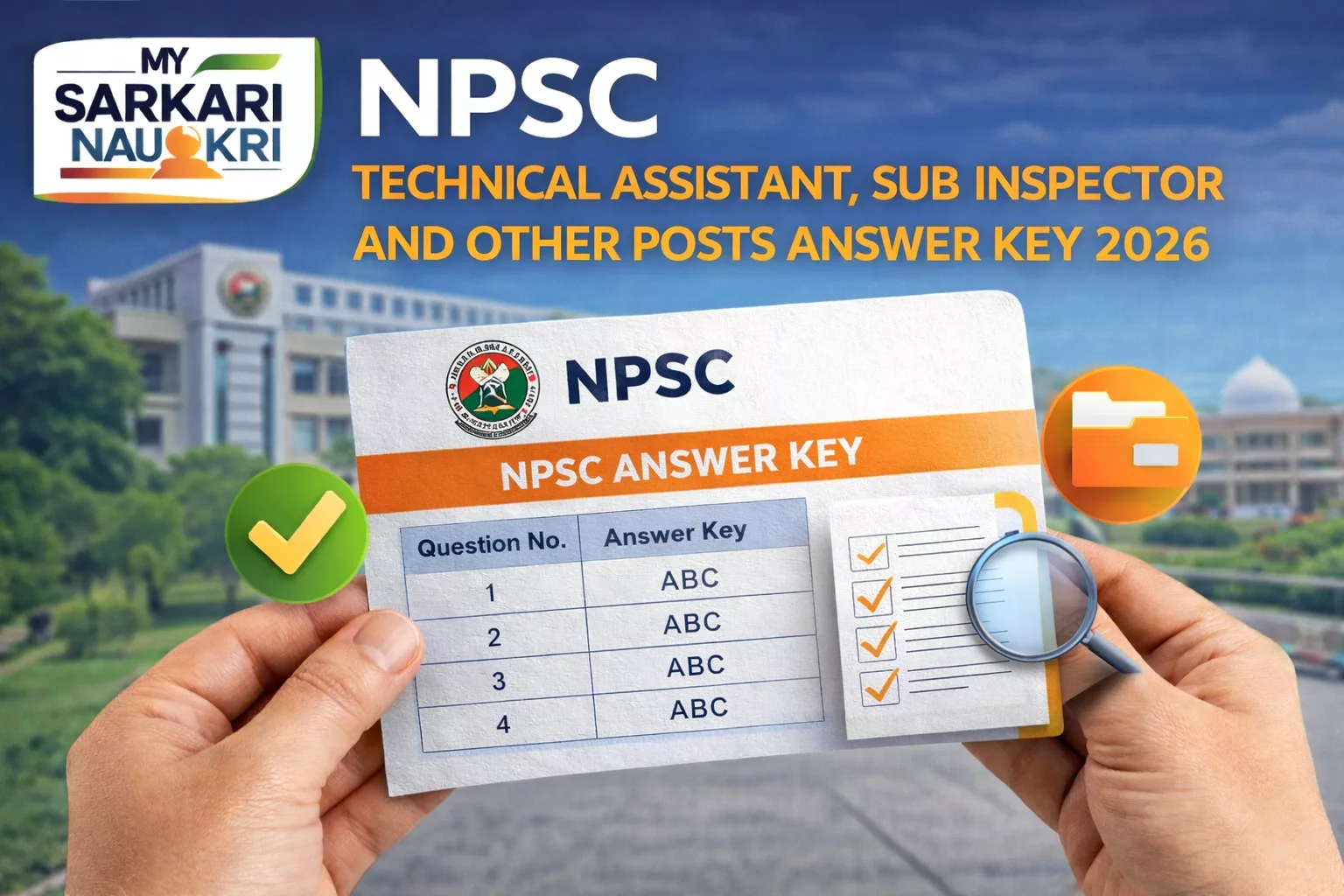
The Nagaland Public Service Commission (NPSC) has officially released the Answer Key 2026 for the Technical Assistant, Sub Inspector, and Other Posts. Candidates who appeared for the examination held for 96 vacancies can now access the provisional answer key to verify their responses. This recruitment drive is a significant opportunity for government job aspirants in Nagaland.
Key Details
Here are the essential details regarding the NPSC Technical Assistant, Sub Inspector and Other Posts Answer Key 2026:
- Exam Authority: Nagaland Public Service Commission (NPSC)
- Post Name: Technical Assistant, Sub Inspector and Other Posts
- Total Vacancies: 96
- Answer Key Status: Released
- Release Date: 28 January 2026
- Official Website: npsc.nagaland.gov.in
Direct PDF Download Link: Download NPSC Technical Assistant, Sub Inspector and Other Posts Answer Key 2026 PDF
How to Download Answer Key
Candidates can follow the step-by-step guide below to download their answer key:
- Visit the official NPSC website: npsc.nagaland.gov.in
- Navigate to the “Answer Key” or “Recruitment” section available on the homepage.
- Search for the link titled “NPSC Technical Assistant, Sub Inspector and Other Posts Answer Key 2026”.
- Click on the link and log in using your Registration Number and Password or Date of Birth.
- Once logged in, your answer key with recorded responses will be displayed on the screen.
- Download and save the PDF for future reference and calculation of scores.
How to Calculate Your Score
To estimate your probable score, use the marking scheme defined by the commission. Follow the formula below:
Total Score = (Correct Answers × Marks per Question) – (Wrong Answers × Negative Marking)
Marking Scheme:
- Correct Answer: +X marks (Specific marks per question not detailed in source)
- Wrong Answer: -X mark (Specific negative marking value not detailed in source)
- Unattempted: 0 marks
Objection Process
If you find discrepancies or disagree with any answer provided in the provisional key, you have the option to raise an objection. Please note that the specific objection fee and deadline dates are not explicitly mentioned in the source but are usually provided in the login portal.
Steps to raise an objection:
- Log in to your candidate portal at npsc.nagaland.gov.in
- Navigate to the “Challenge/Objection” section.
- Select the specific question(s) you wish to challenge.
- Upload valid supporting documents or references (e.g., standard textbooks or official sources).
- Pay the required objection fee (if applicable and specified in the portal).
- Submit your objection before the stipulated deadline.
Frequently Asked Questions (FAQs)
The answer key was released on 28 January 2026.
You can download it from the official website npsc.nagaland.gov.in. A direct link is provided in the “Key Details” section above.
Yes, candidates can raise objections against the provisional answer key by logging into their accounts on the official website and following the objection submission process.
There are a total of 96 vacancies available for the Technical Assistant, Sub Inspector, and Other Posts.
While the source mentions a fee structure is usually applicable per question, the exact amount (₹XX) is not specified. Candidates should check the official objection portal for the exact fee details.