UPSSSC Pharmacist Admit Card 2026 Released – Download Hall Ticket
Contents
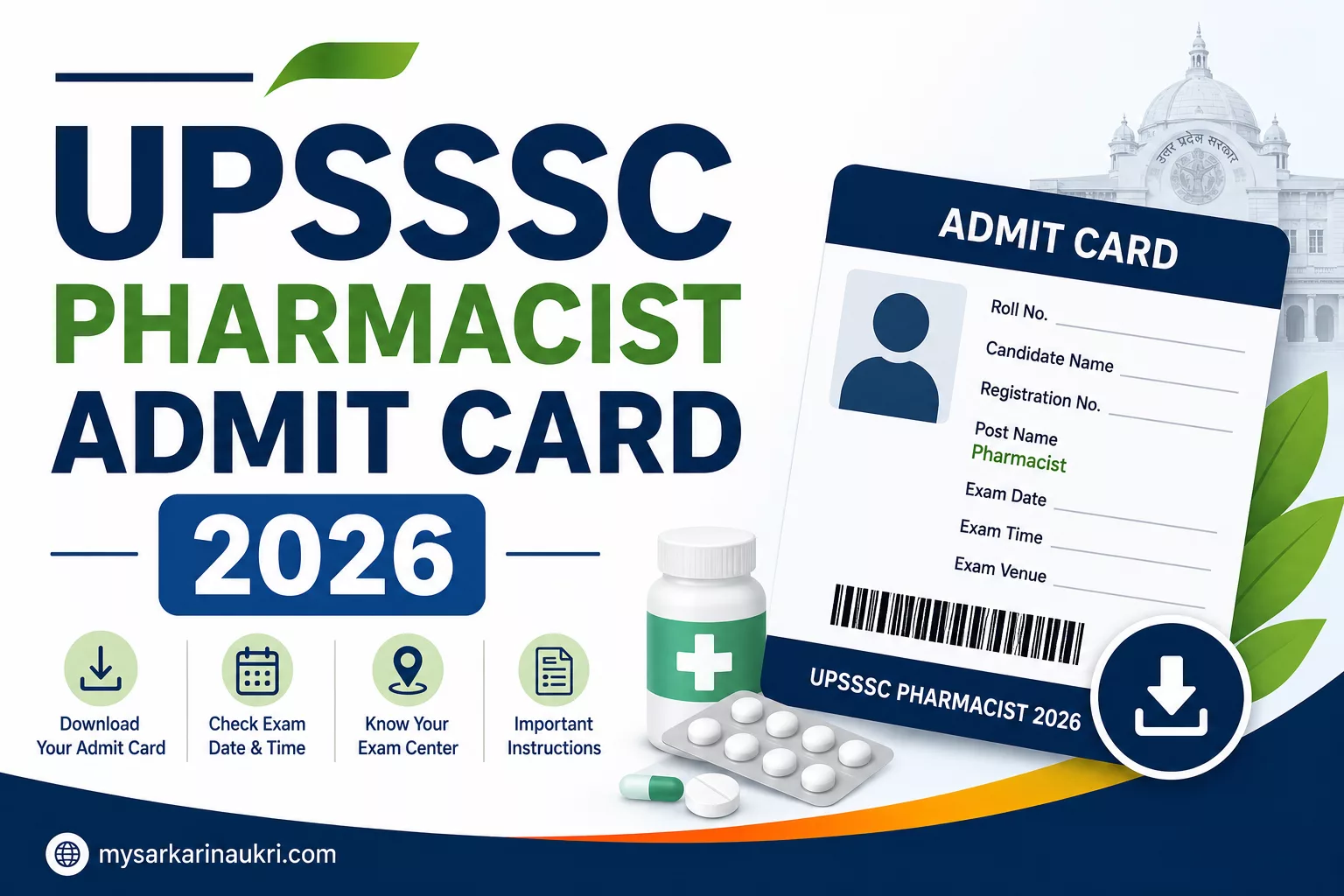
The Uttar Pradesh Subordinate Services Selection Commission (UPSSSC) has officially released the UPSSSC Pharmacist Admit Card 2026 for the Main Examination. Candidates who are eligible and have paid the exam fee can now download their hall ticket from the official website.
Key Details
- Conducting Authority: Uttar Pradesh Subordinate Services Selection Commission (UPSSSC)
- Post Name: Pharmacist (Bheshajik)
- Admit Card Release Date: 19 June 2026
- Exam Date: 29 June 2026 (Revised from 21 June 2026)
- Exam Mode: Offline (Written Exam)
- Official Website: upsssc.gov.in
How to Download UPSSSC Pharmacist Admit Card 2026
Follow these steps to download your admit card:
- Visit the official UPSSSC website: upsssc.gov.in.
- Locate the “Pharmacist Main Examination Admit Card 2026” link on the homepage.
- Click on the link to go to the login page.
- Enter your Registration Number and Password.
- Submit the details to view your admit card.
- Check all details and download the PDF.
- Take a printout for the exam day.
Direct Download Link: UPSSSC Pharmacist Admit Card 2026
Documents to Carry to the Exam Centre
Candidates must bring the following documents to the exam centre:
- A printed copy of the UPSSSC Pharmacist Admit Card 2026
- A valid original photo ID proof (Aadhaar Card, PAN Card, or Voter ID)
- Passport-sized photographs (as specified in the instructions)
Important Instructions
Pay attention to these instructions for a smooth exam experience:
- Verify all details on the admit card immediately after downloading. If there are any discrepancies, report them to UPSSSC promptly.
- Carry only the permitted items. Prohibited items include mobile phones, smartwatches, fitness bands, calculators, and valuable jewelry.
- Follow the reporting time mentioned on the admit card to avoid any issues.
- For any login issues, use the “Forgot Password” option or contact the UPSSSC helpdesk.
Frequently Asked Questions (FAQs)
If you find any incorrect details on your admit card, contact UPSSSC immediately through their official channels to get it corrected before the exam.
No, a printed copy of the admit card is mandatory. Digital copies are not accepted at the exam centre.
Use the “Forgot Password” option on the UPSSSC login page to reset your password using your registered email or mobile number.
No, the exam city slip only informs you of your allotted city. The complete details, including the exact exam centre address, are available only on the admit card.
Prohibited items include mobile phones, smartwatches, fitness bands, calculators, geometry boxes, and valuable items like jewelry.