RSSB Agriculture Supervisor Admit Card 2026 (Out Today) – Download Here
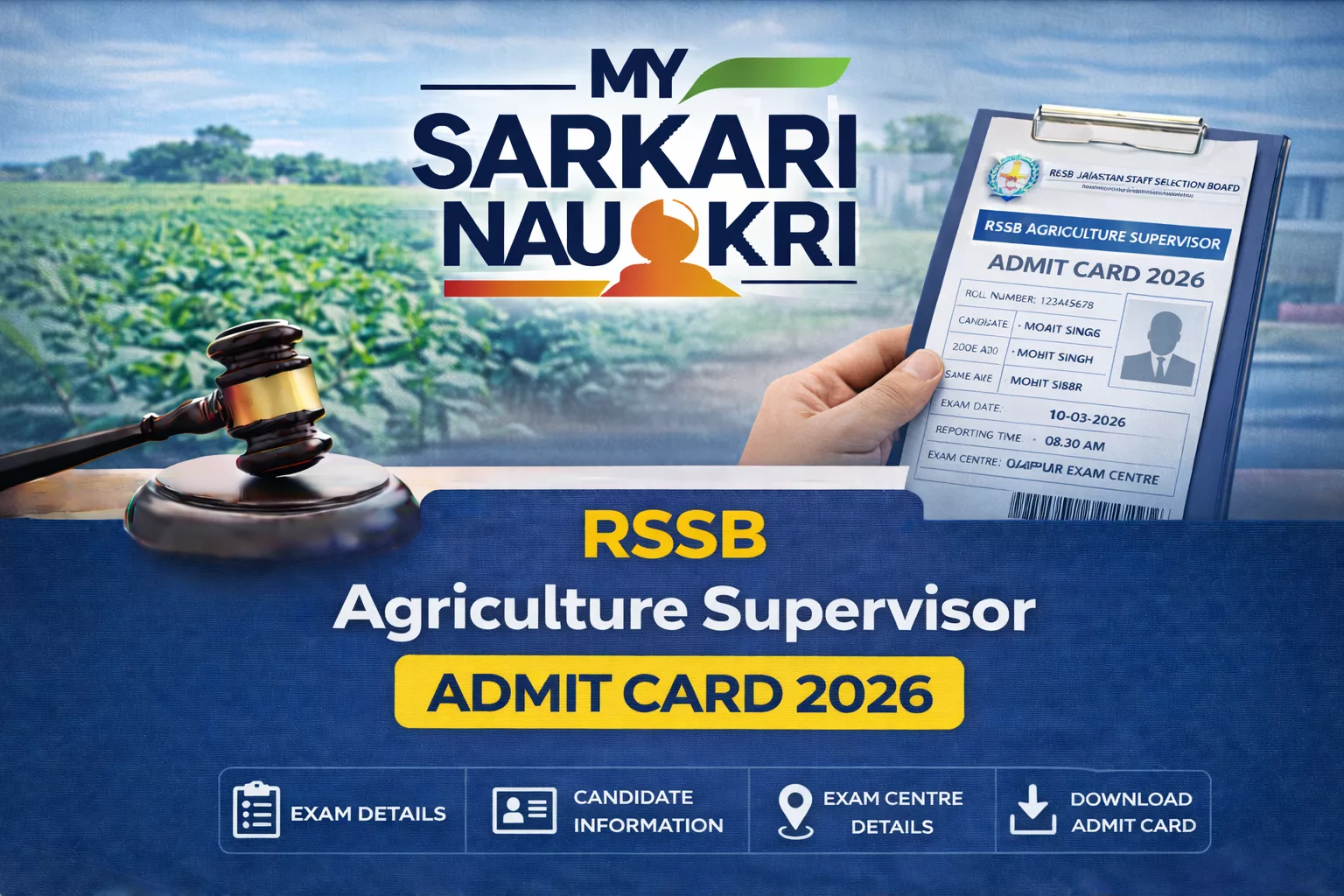
The Rajasthan Staff Selection Board (RSSB/RSMSSB) has released the RSSB Agriculture Supervisor Admit Card 2026 on 13 April 2026. Candidates who applied for the Agriculture Supervisor (Krishi Paryavekshak) recruitment can now download their hall ticket from the official website.
Key Details
- Conducting Authority: Rajasthan Staff Selection Board (RSSB/RSMSSB)
- Exam Name: Agriculture Supervisor (Krishi Paryavekshak) Written Exam 2026
- Admit Card Release Date: 13 April 2026 (Today)
- Exam Date: 18 April 2026
- Exam Mode: Offline (OMR / Pen & Paper Based)
- Official Website: rssb.rajasthan.gov.in
How to Download Admit Card
Follow these steps to download your admit card:
- Visit the official RSSB website at rssb.rajasthan.gov.in or SSO Portal (sso.rajasthan.gov.in).
- Navigate to the “Admit Card” or “Candidate Corner” section.
- Click on “RSSB Agriculture Supervisor Admit Card 2026” link.
- Enter your Application/Registration Number or SSO ID, Date of Birth (DD/MM/YYYY), and Captcha Code.
- Click “Submit” or “Download Admit Card”.
- Download and save the PDF file. Take 2-3 printouts for exam day.
Direct Download Link: Download RSSB Agriculture Supervisor Admit Card 2026 (Activates Today)
Documents to Carry
- RSSB Agriculture Supervisor Admit Card 2026 (printed copy with clear photograph).
- Valid Photo ID Proof (Aadhaar Card, Voter ID, Driving License, PAN Card, or Passport).
- Recent passport-size photographs (2 copies, same as uploaded in application).
- Simple pen (blue/black ballpoint).
Important Instructions
- Reach the exam center 45-60 minutes before the reporting time.
- Entry closes 30 minutes before the exam starts; no late entry allowed.
- Do not carry mobile phones, smartwatches, calculators, books, or bags inside the exam hall.
- Fill the OMR sheet with black/blue ballpoint pen only.
- Check all details on the admit card immediately after download. Report discrepancies to RSSB helpdesk within 24 hours.
FAQs
Contact RSSB helpdesk immediately to rectify the issue before the exam date.
No, a printed copy of the admit card is mandatory; digital versions are not accepted.
Clear browser cache, try a different browser, check application status, or contact RSSB helpdesk.
Follow any dress code specified on your admit card; avoid wearing items with metal or prohibited accessories.
Download and print it again from the official website using your credentials.